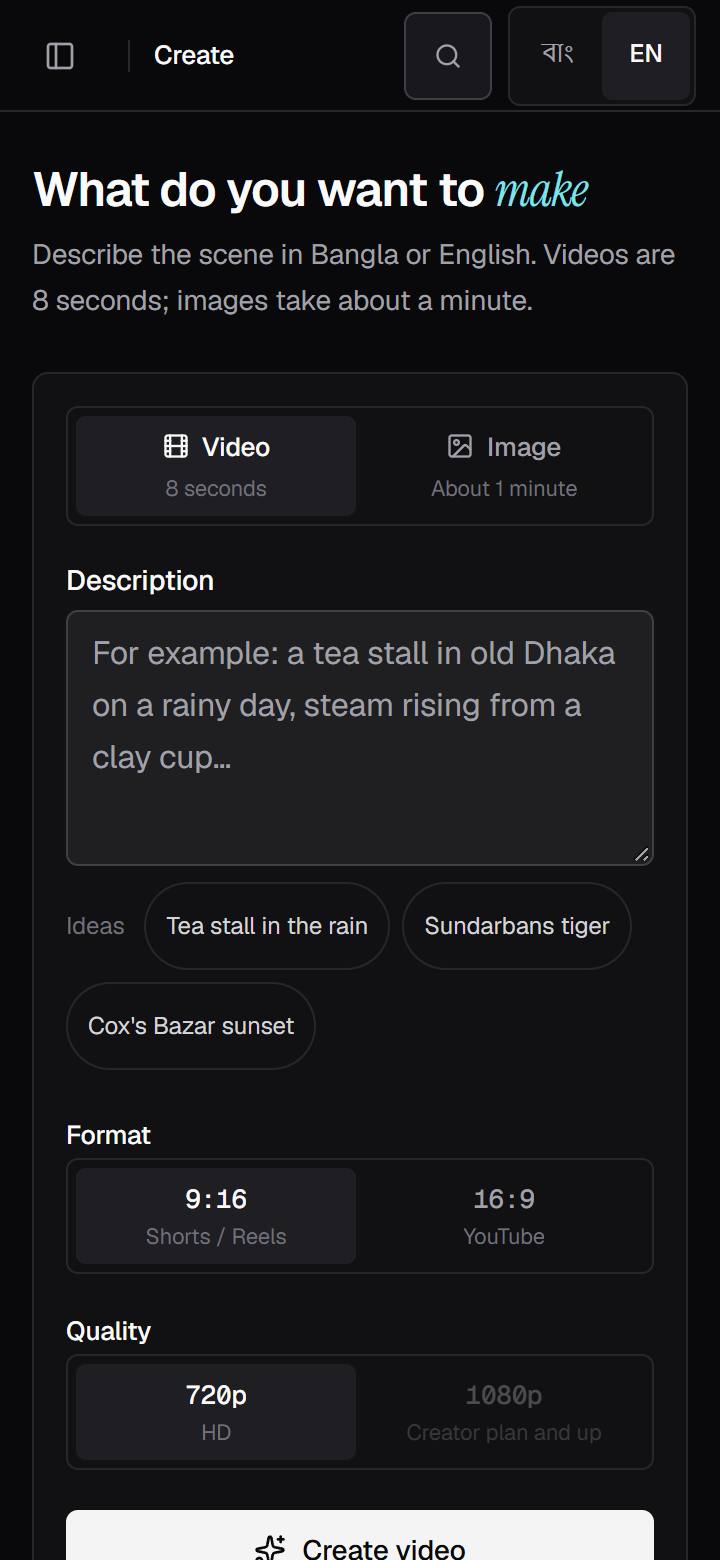
How to make an AI video from text, step by step
You do not need a camera, actors or editing software to make a short video any more. With a text-to-video tool you describe a scene, and the AI films it for you. This guide shows how to get good results on the first try.
1. Write the scene like a director
Good descriptions answer four questions: what is in the shot, where it is, what the light is like and how the camera moves. "A tea stall in an old market on a rainy evening, steam rising from a clay cup, warm light, slow push in" works much better than "tea video".
Keep it to one or two sentences. One clear moment per clip is better than a whole story in 8 seconds.
2. Choose the format before you create
Pick 9:16 for Shorts, Reels and TikTok, and 16:9 for YouTube and websites. The format cannot be changed after the video is made, so decide where you will post it first.
3. Create, check and try a variation
Press Create video and wait while it renders. If the result is close but not right, change one thing at a time: the light, the camera move or the main subject. Small changes teach you quickly what the model responds to.
4. Join scenes into a longer video
For a story or an explainer, use the full-video tool: give it a topic and it makes 5 or 8 scenes and joins them into one MP4 that you can download and post.
What not to make
Do not use real people without their consent, logos you do not own, or anything that misleads or harms. Videos that break these rules are refused.